Thursday, February 5, 2015

How to backup and restore user data for android with dvb-s2 box vigica c60s and c70s?


In many customer mind, the DVB box should be much the same with traditional set top box, support the cccam, newcamd, OScamd etc. also should be easier to control for epg,channels.

Today , Vigica will give you a easy way to backup and restore data for Android with DVB-S2 Vigica C60S and C70S box.

Firstly, please update the firmware to 20141205 version. 


 Then please download the channels to the Vigica box.


Android with DVB-S2 Vigica C60S/C70S


 please go enter installation, you can get the following list

Backup user data for Vigica C60S and C70S

please insert your USB to the box. then choose bakcup user data.


Backup user data success for vigica c60s


 the screen will show you backup user data success.

Then you can open the second vigica box. you dont need to set anything, like the following box, the channel list dont have any channels.


Also enter installation, you can get a line  

Restore user data 

 insert the USB to the second box.


Choose Retore user data, the screen will show you restore user data success.


The Data will come into the second box success. just only connect with antenna, you can watch same channels like first box.



If you want more box with same channels with the first box, do the same operation. 

Android tv box can give you more entertaiment for live channels.

if you want to get this android with DVB-S2 box, please go enter Aliexpress, Ebay or Amazon store.or can contact with our sales. 

thanks for your support. 

Tuesday, February 3, 2015

VIGICA HD Android TV Box give you a special Chinese Spring Festival Day

Chinese New year is coming, whole country are in exciting. All people will have a long holiday. 

Watching Hotest and Newest show By VIGICA HD Android TV Box

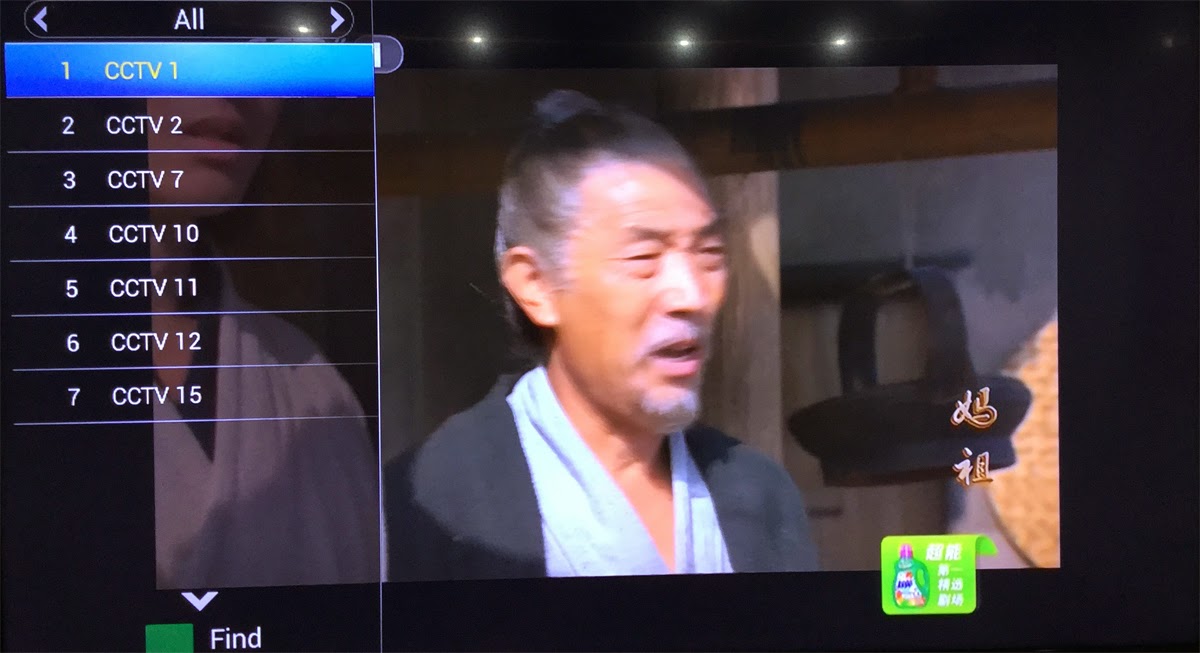
Wu - the only female emperor in Chinese orthodox history

With the hit of Wu Mei Niang legend,more and more people get know this
Legendary Women.

She is the country's history as the first and only female emperor. Wu preliminary ruling, reuse Ruthless, crack down against his veteran minister, Hoon your old family, this break Han Control Council, senior officials of the monopoly situation. Nearly half a century before the ruling, deck, "Golden Years", the next start, "Kaiyuan Spirit", known as "Golden Years legacy" historical achievements, Visible world. The "feudal era outstanding female politicians."


Wu is is good at manage, attention to recruit talent, the first "successful candidates" imperial examination system, and Personnel, can reuse Di Renjie, Zhang Jianzhi, Huan Yan Fan, Jing Hui, Yao Chong Ming Chen, such as ZTE. During Wu ruled countries, policy reliable, Binglue properly, cultural revival, wealthy people, it is "Golden Years legacy" in the world, but also for the treatment of Kaiyuan Sun Emperor laid the foundation for long-term stability.

You can watch this program by VIGICA HD Android Smart TV Box.
More information,go and click www.vigica.cc

Thursday, January 29, 2015

Vigica V5--20150128 version firmware update


Quad Core Android TV Box 
       Quad core update steps for Vigica V5


If the firmware update, your installation and storage files will lost, Please backup your files before update!

Step 1:
Select the FAT32 mode and Format the TF card

Step 2:
Copy the files (1 & gt; aml_autoscript 2 & gt; factory_update_param.aml 3 & gt; V5-m201-ota-20150128.V0823.zip 4 & gt; recovery.img 5 & gt; u-boot.bin 6 & gt; unlock_autoscript) to TF Card

Step 3:
Unplug the power, Insert the TF card to TV BOX's TF card reader

Step 4:
Plug in the power, Wait 20 seconds will start to update

Step 5:
When the TV BOX reboot, Please remove the TF Card (This step is very important!), And continue to waiting five minutes

Step 6:
The update will completed, Enjoy !!

-------------------------------------------------- ------------------------------------------


Tips:
If your tv box can use in android OS, You can copy the files Copy the files (1 & gt; aml_autoscript 2 & gt; factory_update_param.aml 3 & gt; V5-m201-ota-20150128.V0823.zip 4 & gt; recovery.img 5 & gt; u-boot .bin 6 & gt; unlock_autoscript) to TF Card (no folder), & nbsp; Then insert the TF card to TVBOX's TF card reader, Into updateLocal, Select V5-m201-ota-20150128.V0823.zip and update.


Power on the box, Enter setting


system update


choose the files


wipe data and wipe media


update


then the box will update automatic, after erasing, please take off the TF card, then the box will restart.


Wednesday, January 28, 2015

Vigica Exhibition in the CSTB 2015 Croscus Expo 2015

Vigica Exhibition in the CSTB 2015 Croscus Expo 2015

Glad to inform you that Vigica now is showing the Android TV Box &DVB in the CSTB 2015 Croscus Expo 2015. If you are interested, be sure to remember to visit our booth 4-900. We are honored to meet you then.


You can see some new models like

Android with DVB-S2 quad core Vigica C90S,

Android with DVB-T2 quad core Vigica C90T:


Vigica attend not only Expo in Russia, also in Hong Kong China Souring Far.

Every April and October of the year, Vigica attend Electronics Expo in Hong Kong, in Guangzhou, Dubai and Russia.


Exhibition always gives Vigica a good resources and the correct direction so that the Vigica Android TV BOX known by most of the world.


If you want know much more about Vigica, you can vigica www.vigica.cc

Tuesday, January 27, 2015

Description about 20141205 version firmware for Android TV Box with DVB-S2 Vigica C60S and C70S

20141205 version firmware have posted for a long times. but many customer still confused about this version. 
let me show more details for you!

1. how to update the firmware for the box.

please check the details of the following link.

http://vigicaiptvbox.blogspot.com/2014/12/about-newest-update-for-vigica-smart-tv.html

here will show you how to update by SD card.
usually the box cant power on, or you want to change the basic data, please insert the card firstly, then power on the box.

if you just want to update the vigica box, you can power on the box firstly, then choose the local upgrade.


2. after update the firmware. You can get more details about new version

it is included more satellite and TP list. usually about all Europe and American satellite data.
if these satellite still cant meet your inquiry, you also can add the satellite by remote control. press the corresponding icon.


3. & nbsp;. The channel edit new version have 10 groups you can sort more fav channel list in the box for example as culture, news, movie, games, etc..
4. many customer want to make easy for cccam account, this version add the import and export cccam account by USB you can edit the cccam account by PC then copy to the USB But please Noted, if your box have already exit & nbsp...; CCCam & nbsp; account, you also want to use with more account, at this time, please also write this account in your cccam.cfg files upload together..


about the firmware, please download from google drive link
https://drive.google.com/folderview?id=0B_AK94MdnE7wZFl3QTJGUUxJZmc&usp=sharing

Any questions, welcome here.

enjoy your life

Saturday, January 24, 2015

Premier Li Keqiang: China ready to face challenges,smart related products will change the world


Premier Li Keqiang: China ready to face challenges,smart related products will change the world


Premier Li Keqiang addresses the World Economic Forum's annual meeting in Davos on Wednesday.


China plans to withstand downward pressure and continue with its strategic focus in 2015, Premier Li Keqiang told the annual World Economic Forum in Davos.


He said China must use the government and the market properly and give full scope to both traditional and new engines of growth.


"To foster a new engine of growth, we need to encourage mass entrepreneurship and innovation, and mobilize the wisdom and power of the people," the premier said.


"China will encourage its companies to explore the international market, and work for common development with other countries through greater openness toward each other."


Li also said, "To transform the traditional engine of growth, we need to focus on increasing the supply of public goods and services, and strengthening the weak link of the economy."


"Trading services into China will become an important part of the ‘new normal' and it is vitally important that China opens its markets to allow overseas providers in to stimulate competition and drive up quality."


Vigica will meet more chance for the smart tv box . It is a newly brand, specialist for the Android and DVB. Recently year, the satellite signal still hot in the Europe and Asian market, but more people like the Android functions. It can give you a smart PC connecting with the TV. You can enjoy the music and video, movies at any times . That’s why the Vigica C60S and Vigica C70S is so hot in Europe and Asian. These box not only the satellite functions, still support the CCCam, Newcamd, Bisskey. And Vigica wont stop his footsteps, will give the customer more wonderful and fantasy products.


At the beginning of 2015, we will promote out the Quad core TV Box with DVB functions, it based on the Amlogic S805 chipset. After we post out this news, more customer send us the inquiry. Urgently to get this new model. Show more pictures for you now!!!


In 2015, Vigica will give more surpise for everyone.


Thursday, January 22, 2015

Network fault diagnosis method for HD network set-top box (Smart TV Box)


Network fault diagnosis method for HD network set-top box (Smart TV Box)

First, please be clear that the high-definition set-top box network signal is spread through the network, and if we have problems at home broadband, so we are unable to access the network, you can not watch TV. So, if the problem of high-definition network networking set-top boxes appear, please refer to the following methods, try to repair the fault !


Step 1: Please check the home broadband environment


Internet tv set-top box for the minimum bandwidth requirements are exclusive 2M broadband, Telecom, China Unicom network more stable recommend everyone to use, and CRC, the Great Wall Broadband, broadband and broadcasting local villages may be less stable way to share Internet access, resulting in network set-top box can not be normal networking.


Step 2: View settings


If your home is through the Internet router, then you also need the router settings to the Internet, the router is enabled by default DHCP server, if you modify the configuration of this area, then you need to HD IP STB related settings.


Step 3: Check other networked devices correctly


If the network environment to meet the needs of network TV set-top boxes, routers set up is not a problem, but the fault persists. We will consider whether or not the machine has problems. First we look at the home computer, smart phones can access through the router, and if so, to prove that the problem of high-definition network set-top boxes (STB). Please restart the set-top box, if the fault persists, your own brush or rushed sale!